
Reset a stuck backup
If one device's backups keep stalling or failing, reset its working backup and start fresh. Your saved archives are not touched.
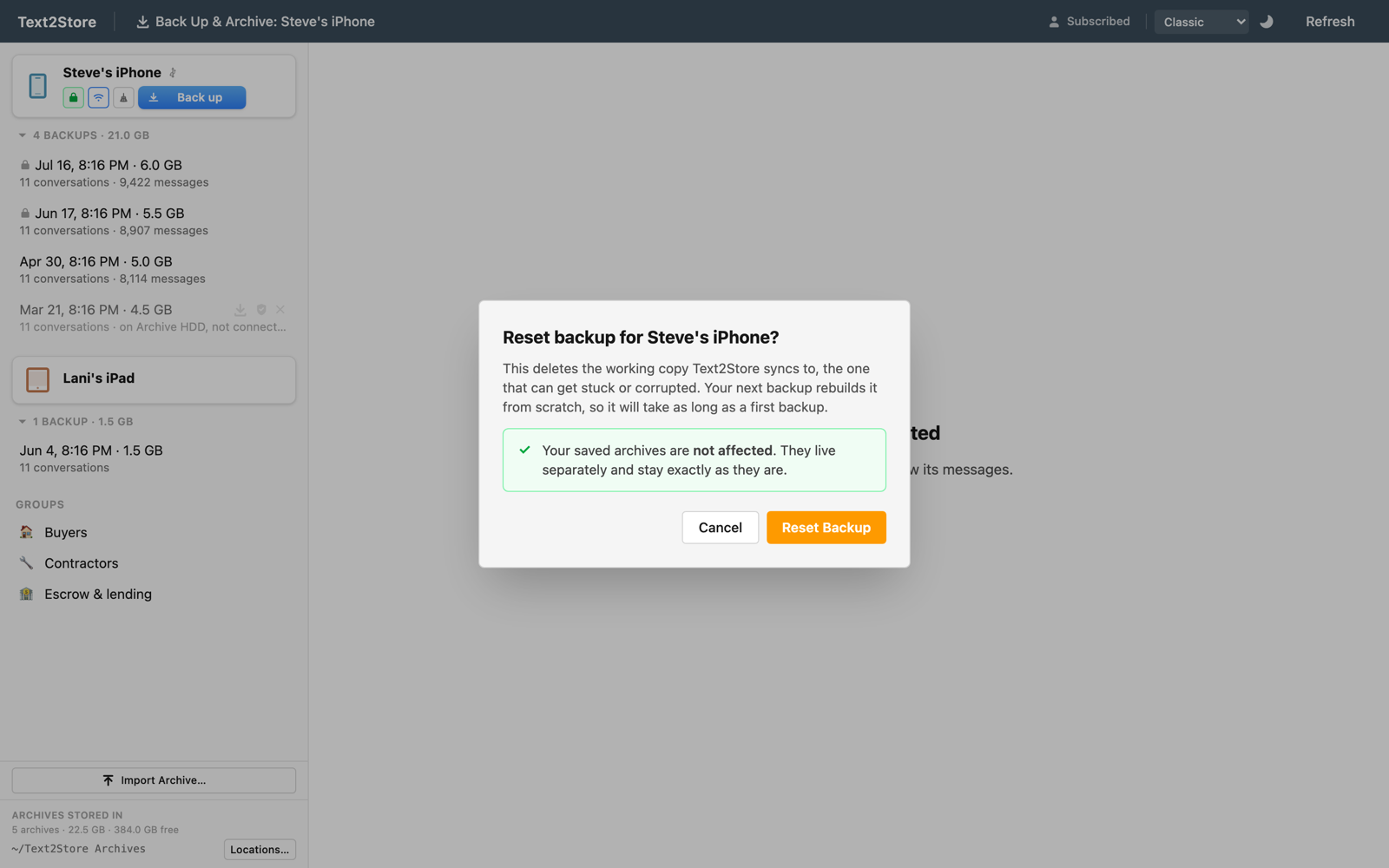
What Reset does
Between backups, Text2Store keeps one working copy of each device on your disk and syncs into it every time, copying only what changed. It is fast, but on rare occasions that working copy gets into a bad state and every backup then stalls or fails, sometimes even over a cable.
Reset deletes just that working copy. Nothing else. Your next backup of that device rebuilds it from scratch, which clears the problem.
Your archives are safe
The archives you have already saved are separate, complete copies that live in their own place on disk. Reset never touches them, so every conversation you have backed up stays exactly as it is. The only cost is that the next backup is a full one and takes about as long as a first backup, because the working copy is being rebuilt.
How to reset
- Connect the device. Reset appears only while the device is connected, since a fresh backup is what fixes it. Plug it in with a cable (the most reliable connection).
- Click the broom icon. In the device's row, next to the encryption and Wi-Fi icons, the broom is the Reset control.
- Confirm. Read the note that your archives are not affected, then click Reset Backup. A short wait clears the working copy.
- Back up again. Click Back up. This one runs like a first backup and rebuilds the working copy cleanly.
When to reach for it
Reset is a recovery step, not something you need in normal use. Turn to it when backups for one device keep stalling or failing and the usual fixes have not helped: the device is unlocked, trusted, and connected with a good cable (see device not detected), and there is free space for the backup. If a single device is the problem while others back up fine, a stuck working copy is the likely cause, and Reset is the fix.
Still stuck?
Use Help → Report a Problem in the app, which pre-fills an email with your app version and the last error, or write to hello@text2store.com and tell us what you see; we answer.