
Most backup tools give you a stack of backups and leave you to open them one at a time. If you are hunting for a message from two years ago, you are guessing which backup it lived in, opening it, searching, closing it, trying the next. The record is all there; it just is not in one place.
Text2Store does the opposite. It merges every backup of a phone into a single timeline you move through, the way Time Machine lets you slide back through your Mac. That merged view, called All Messages, is the default the moment you open a device.
One timeline, not a pile of backups
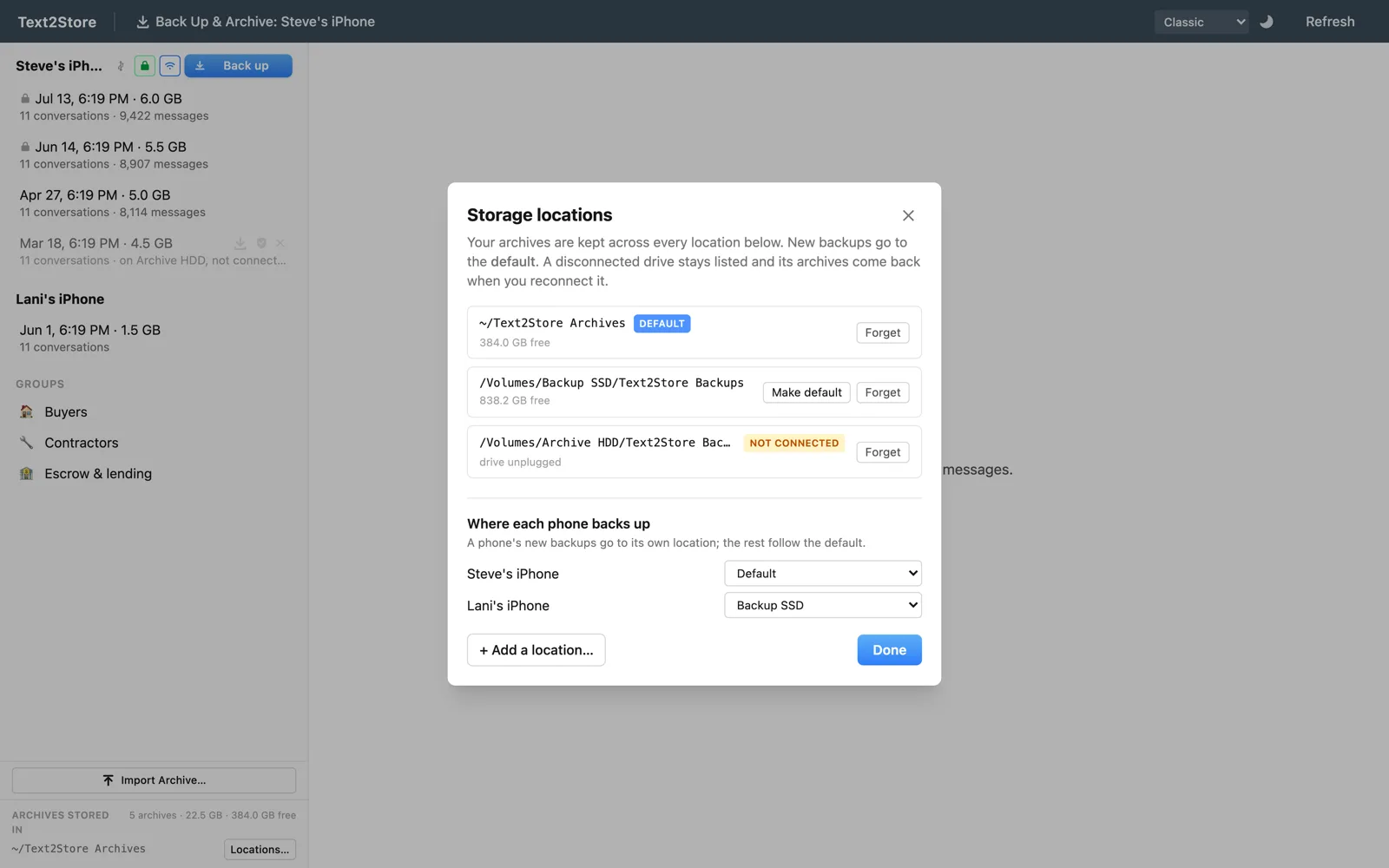
Each time you back up, Text2Store keeps that capture as its own dated archive. It never overwrites the last one; the record only grows. But you do not have to read them one by one. All Messages stitches them together into a single conversation list and a single search, so a thread that spans four different backups reads as one continuous conversation.
And it does the tedious part for you: the same message captured in three backups is shown once, not three times. You see your history, deduplicated, not a mess of repeats.
Scroll back, do not rewind
The Time Machine comparison is about moving through time, not undoing it. Text2Store never rolls your phone back to an earlier state; nothing is restored and nothing is changed. It simply lets you scroll back through everything you have ever saved. Your phone stays exactly as it is; the record on your computer is the thing you travel through.
That distinction matters, because it is also what makes the record trustworthy. Every backup remains its own untouched, dated snapshot on disk. The merged view is a way of reading across all of them, not a rewrite of any of them. If you ever export or certify a conversation, it comes from those originals, unchanged.
Deleted on the phone, still here
This is where a merged timeline earns its keep. A message you deleted from your phone last spring is gone from today's phone, so today's backup has nothing to copy. But if any earlier backup caught it, All Messages still has it, sitting in the timeline where it always was, marked as since-deleted. You do not have to remember which backup; the merged view finds it for you.
So the habit is simple and the payoff compounds: back up regularly, and each capture locks in whatever your phone holds that day before it can slip away. All Messages turns that growing stack into one place you can scroll, search, and go back through, years deep, in a single window.
If you want the reasoning behind keeping every capture instead of one refreshed mirror, I wrote about that in most backups replace the last one, and these don't.