
Blog
Notes on keeping your iPhone and iPad messages: where they should live, how to preserve a record, and what the app does and doesn't do.
Finding things again
The point of keeping everything is being able to get it back.

Exporting and printing
Getting a thread off the phone and into a file you can hand to someone.
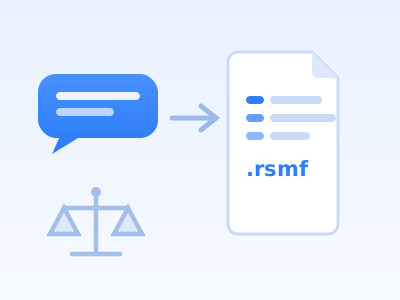
Getting iPhone text messages into Relativity
Screenshots and PDFs turn review into manual labor. What RSMF actually is, why iPhone data resists it (tapbacks, edits, binary message bodies), and the path from a phone backup to validated RSMF 2.0.

Time Machine for your messages
Text2Store merges every backup of your phone into one searchable timeline. Scroll back through years of messages at once, deduplicated, including ones you have since deleted.
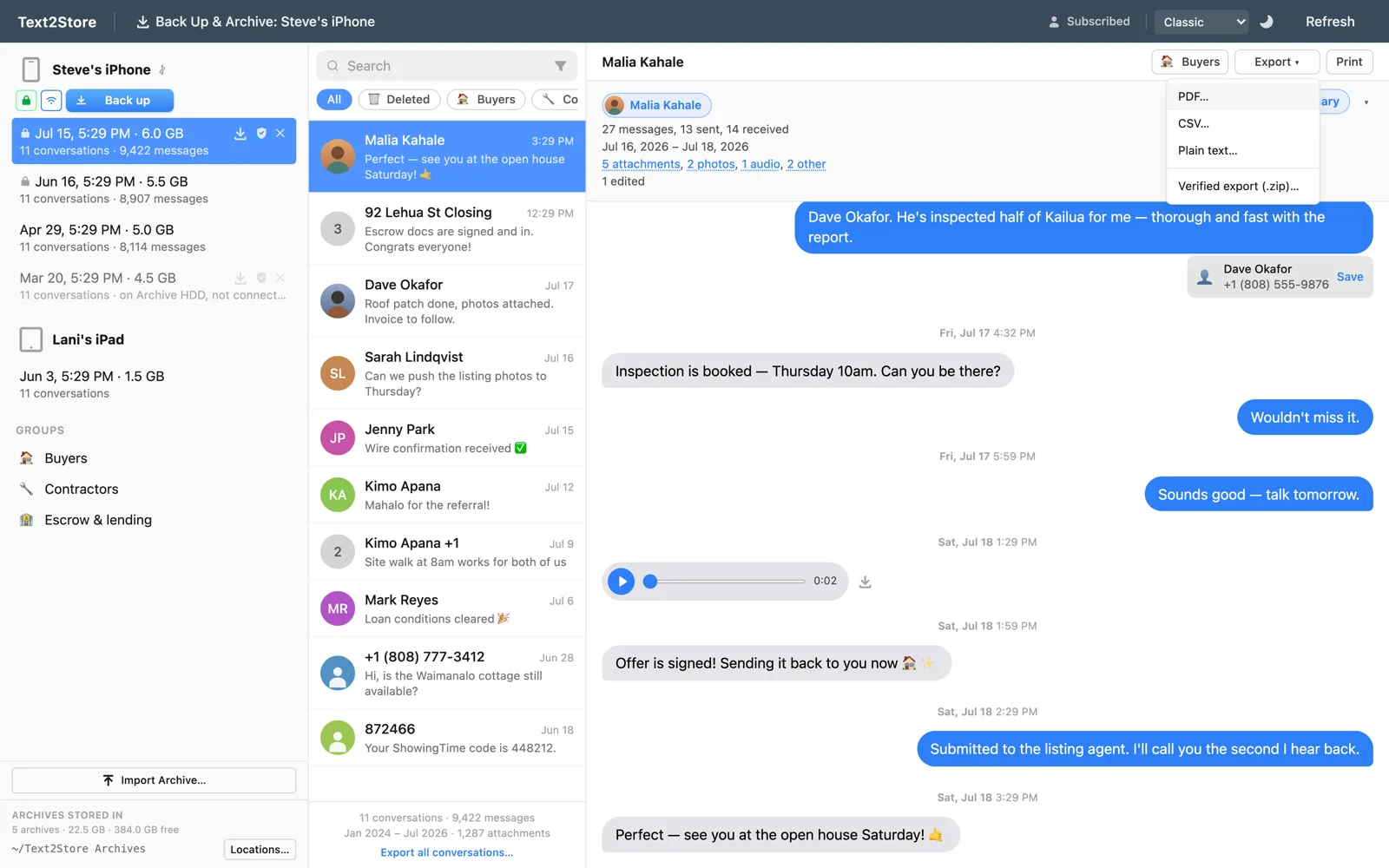
How to export iPhone text messages to PDF
Screenshots are fine for a few messages. For whole conversations with photos, dates, and order intact, export the thread from a backup instead: the step-by-step for Mac and Windows.

How to print an entire iMessage conversation
Huge threads break every exporter the same way: print engines run out of memory and emit blank pages. The chunk-verify-merge engineering that gets 84,000 messages onto paper.

Export WhatsApp chats to PDF from your iPhone backup
WhatsApp's built-in export caps long chats and drops media to filenames. From the backup you get the entire history with media, as PDF, CSV, or RSMF.
Your iPhone backup already has your WhatsApp chats in it
WhatsApp history rides inside the same backup as your texts, and Text2Store now reads it: groups, photos, and reactions, searchable and exportable beside Apple Messages, with the honest limits spelled out.
How backups actually work
What an archive really is, what it costs in disk space, and why a copy of your own is worth keeping.

How to save your kids' text messages before you lose them
The everyday texts, good morning, funny drawings, first day of school, are the ones you'll want later. A simple way to keep a permanent copy before an upgrade quietly erases them.
Saving text messages from a loved one who passed away
The messages are usually safe today and quietly at risk over time: account lapses, phone upgrades, storage cleanups. A gentle, practical guide to making a permanent copy you keep.
Do you need a whole iPhone manager, or just your messages?
General managers like iMazing, AnyTrans, and dr.fone do files, apps, music, and messages. If messages are the actual job, a tool built around only that can go further, including proving a backup hasn't changed since the moment it was made.
Most backups replace the last one. These don't.
Most backups mirror the phone you have today. Kept backups build a record of what you had over time, and only one of them still has the conversation you go looking for years later.
Keep your own copy of your text messages
Cloud backups are great for restoring a lost phone. For a record you might need years from now, it's worth also keeping a copy you own, on your own computer.